


How to install it?
Installing Pageify is a simple procedure.
In four steps, you install the extension in your browser and make the Pageify icon appear in your menu bar.
Then, register to receive your activation key, essential to use our service.
In four steps, you install the extension in your browser and make the Pageify icon appear in your menu bar.
Then, register to receive your activation key, essential to use our service.
 How to install Pageify on Chrome?
| Here are the steps | |||
| 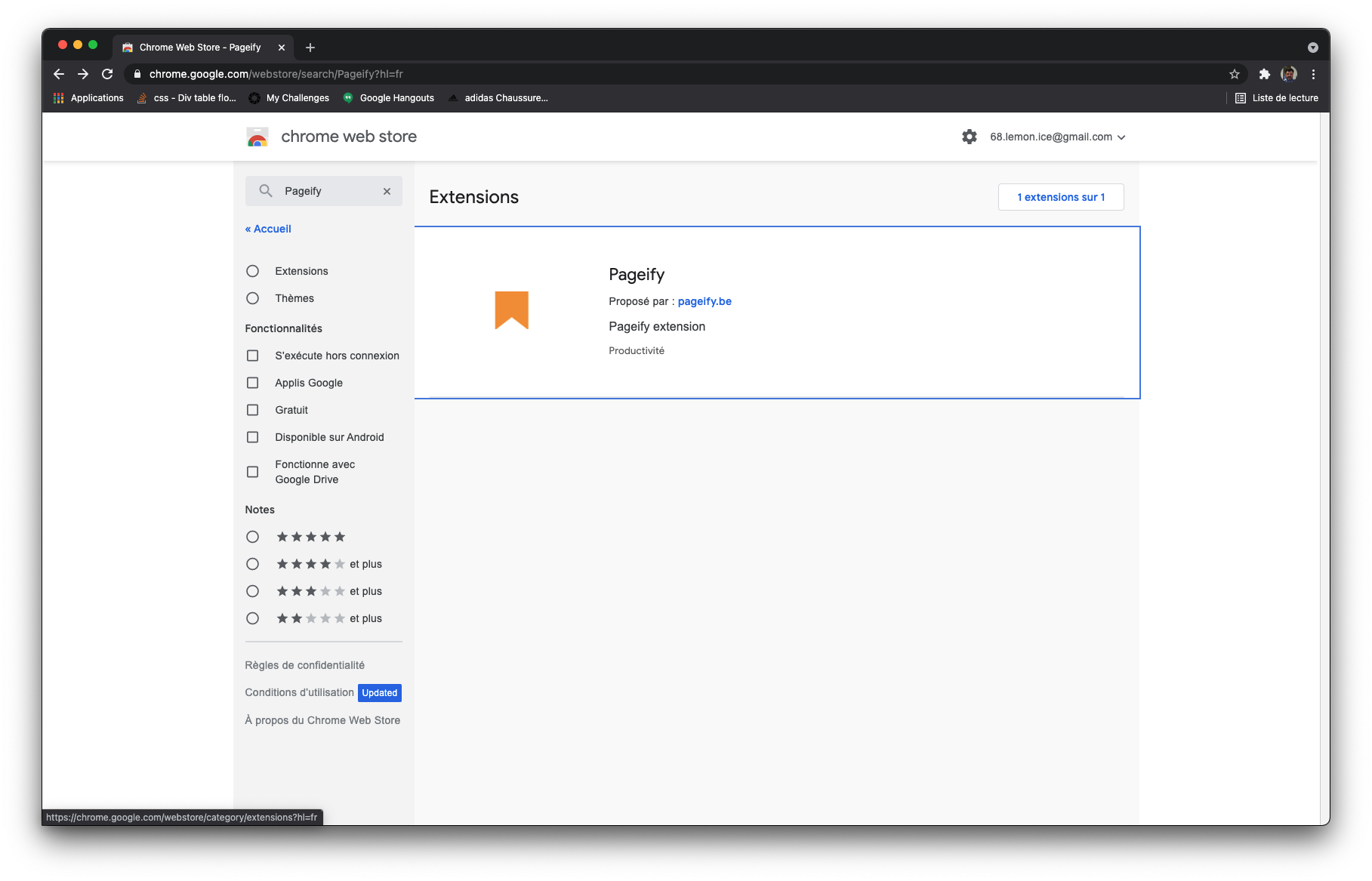 | ||
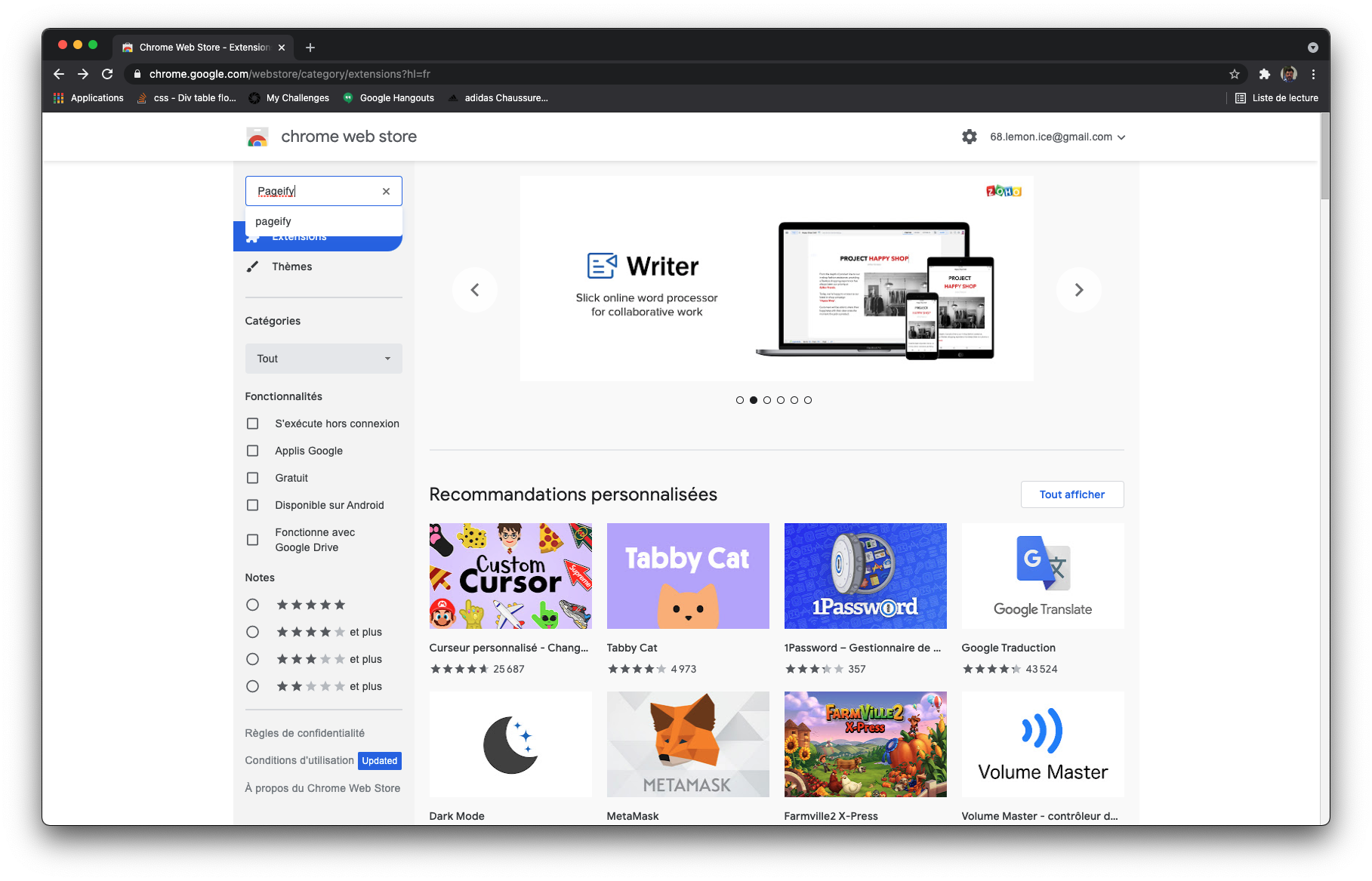
| 1. reach chrome web store on https://chrome.google.com/webstore/ & search for "Pageify" | 2. Select Pageify in your result list & reach the detailpage | ||
| 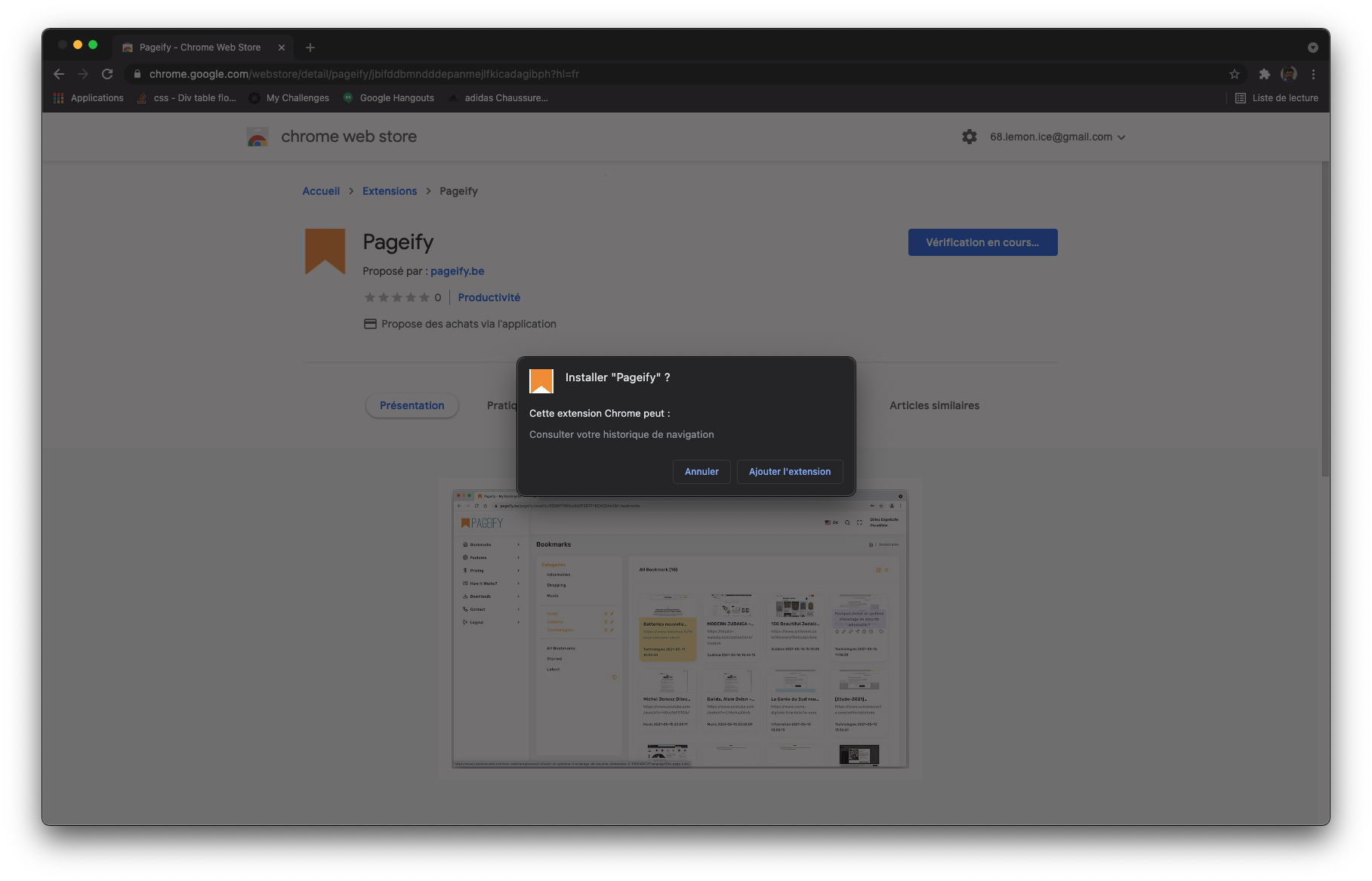 | ||
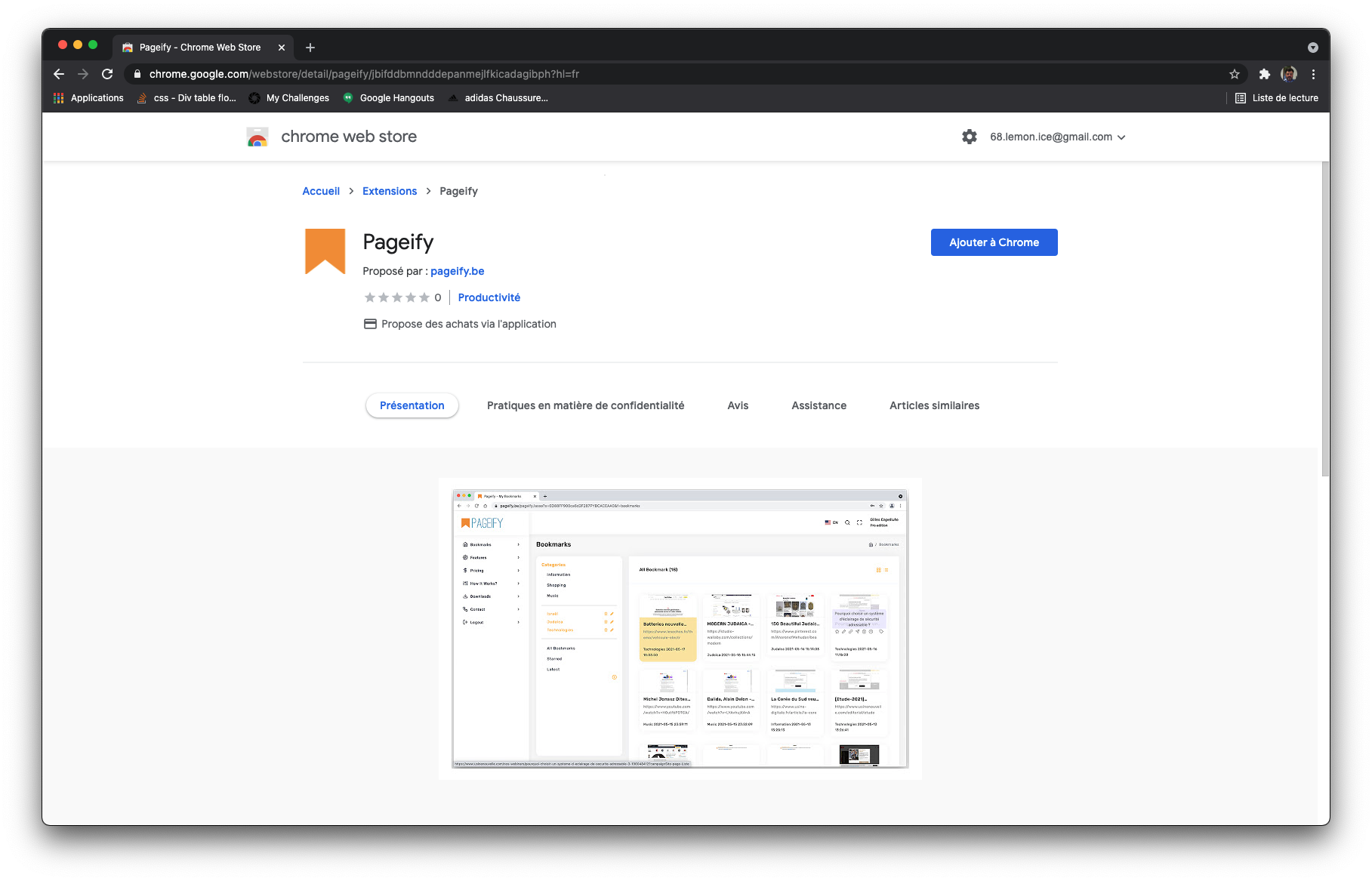
| 3. Clic on the button "Add to Chrome" | 4 On the modal window clic on "Add extension" | ||
| Enjoy our tool ! | |||
Developper mode : Use our tool from our zip package.
 How to install Pageify on Firefox?
| Here are the steps | |||

|  | ||
| 1. reach the Firefox Browser Add-Ons page at https://addons.mozilla.org/ & search for "Pageify" | 2. Select Pageify in your result list & reach the detailpage | ||

|  | ||
| 3. Clic on the button "Add to Firefox" | 4 On the modal window authorize the extension. | ||
| Enjoy our tool ! | |||
Developper mode : Use our tool from our zip package.
How to install Pageify on Edge?
Coming soon
Developper mode : Use our tool from our zip package.